
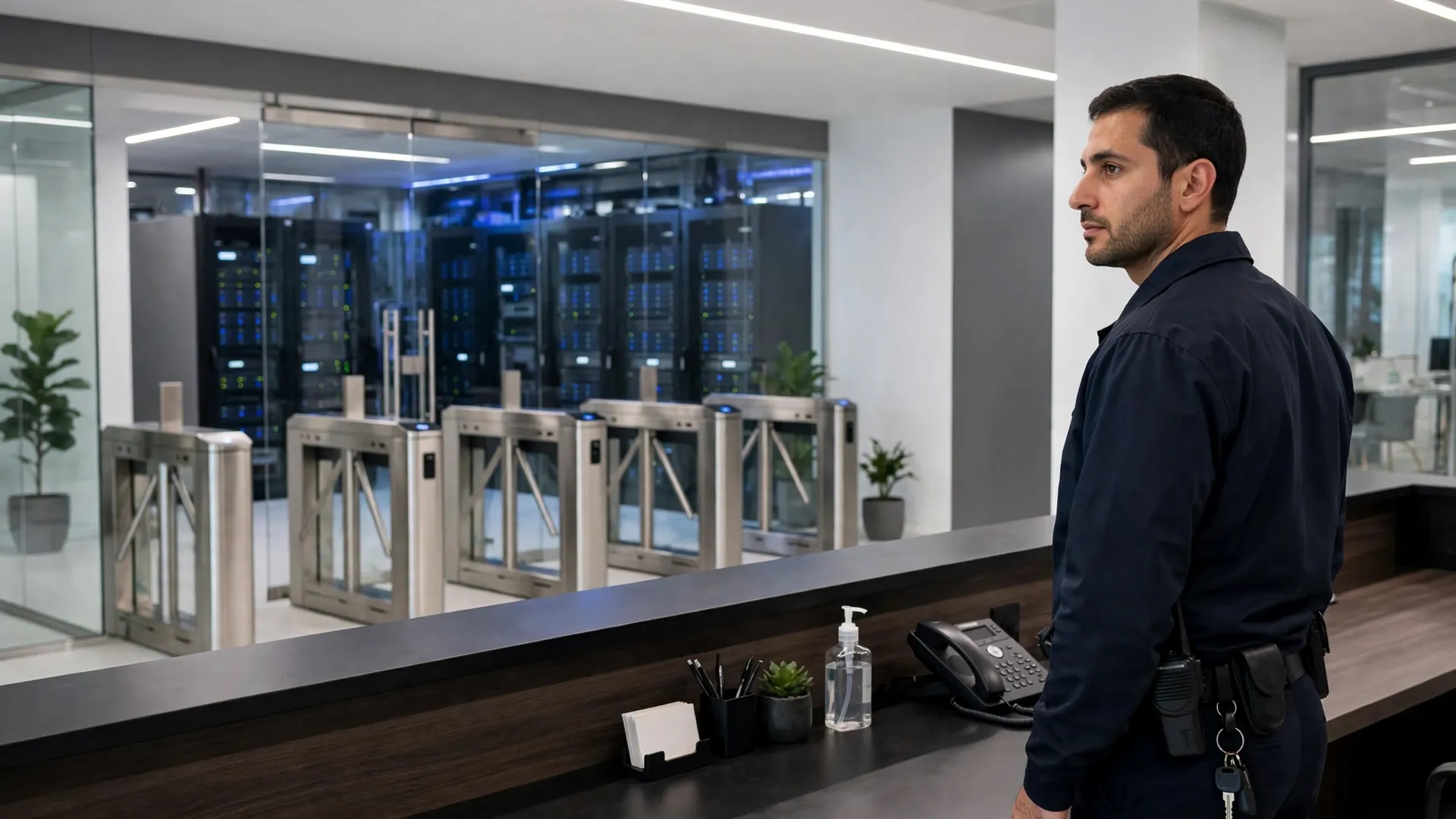
How is access controlled in a data centre? Through layers: multi-factor access control at the door, a mantrap that lets one person through at a time, escorted visitors, and audit-ready logs that record who went where and when. Data centre access control is not one lock on one door. It is a chain of checks, and every link in the chain has a job to do.
The short answer
How is access controlled in a data centre? Through layers: multi-factor access control at the door, a mantrap that lets one person through at a time, escorted visitors, and audit-ready logs that record who went where and when. Data centre access control is not one lock on one door. It is a chain of checks, and every link in the chain has a job to do.
A data centre holds the servers and systems other businesses depend on. A person who should not be in the building could damage equipment, unplug the wrong cable, or walk out with hardware. Access control exists to make sure that never happens by accident or on purpose. The system is strict, and it is meant to be. Everyone who works in or visits a data centre goes through the same checks, every time, no exceptions.
Why data centres need layered access control
A single lock is easy to defeat. A lost card, a borrowed pass, a door held open for a stranger — any one of these defeats a single layer. Data centres assume that each layer can fail, so they stack several layers on top of each other. If one layer fails, the next one catches the problem.
The layers also serve different purposes. The outer layer keeps the public out of the building. The middle layers separate the office areas from the technical areas. The inner layers protect individual halls and rooms. A cleaner may have access to the office but not to the server halls. A contractor may enter one hall, escorted, on one day, and have no access the next day. Access is specific, not general.
The data centre access control method: four layers
1. Multi-factor access control
Multi-factor access control means a person must prove who they are in more than one way before a door opens. The usual combination is something they have plus something they know or are. A card or fob plus a PIN is common. Some sites add a fingerprint or facial check as well. One factor alone is not enough, because cards get lost and PINs get shared.
The reader at the door checks the credential against the access list. If the person is authorised for that door at that time, the door opens. If not, it stays shut and the attempt is logged. Access lists are kept current: when a staff member leaves, their access is removed. When a contractor finishes a job, their access ends. A stale access list is one of the most common weaknesses in any building, and data centres treat it as a live risk.
Access is also time-based. A contractor booked for Tuesday morning cannot use their card on Monday night. A cleaner on the night shift cannot open a server hall at midday. Time windows limit the damage if a credential is lost or misused.
2. The mantrap
The mantrap is the part of data centre access control that surprises first-time visitors. A mantrap is an interlocking two-door access chamber that enforces single-person entry. You step through the first door into a small room. The first door closes and locks behind you. Only then does the second door open, letting you into the secure area.
The point of the mantrap is to stop tailgating — one authorised person opening a door and another person slipping through behind them. In a normal doorway, tailgating is easy and awkward to challenge. In a mantrap, it is not possible, because the chamber fits one person and the doors never open at the same time. If two people try to enter together, the system holds them until the second person is identified or removed.
Mantraps also give security a moment to check. Weight sensors, cameras and the access reader all confirm that the person in the chamber is the person whose credential was used.
3. Visitor escort
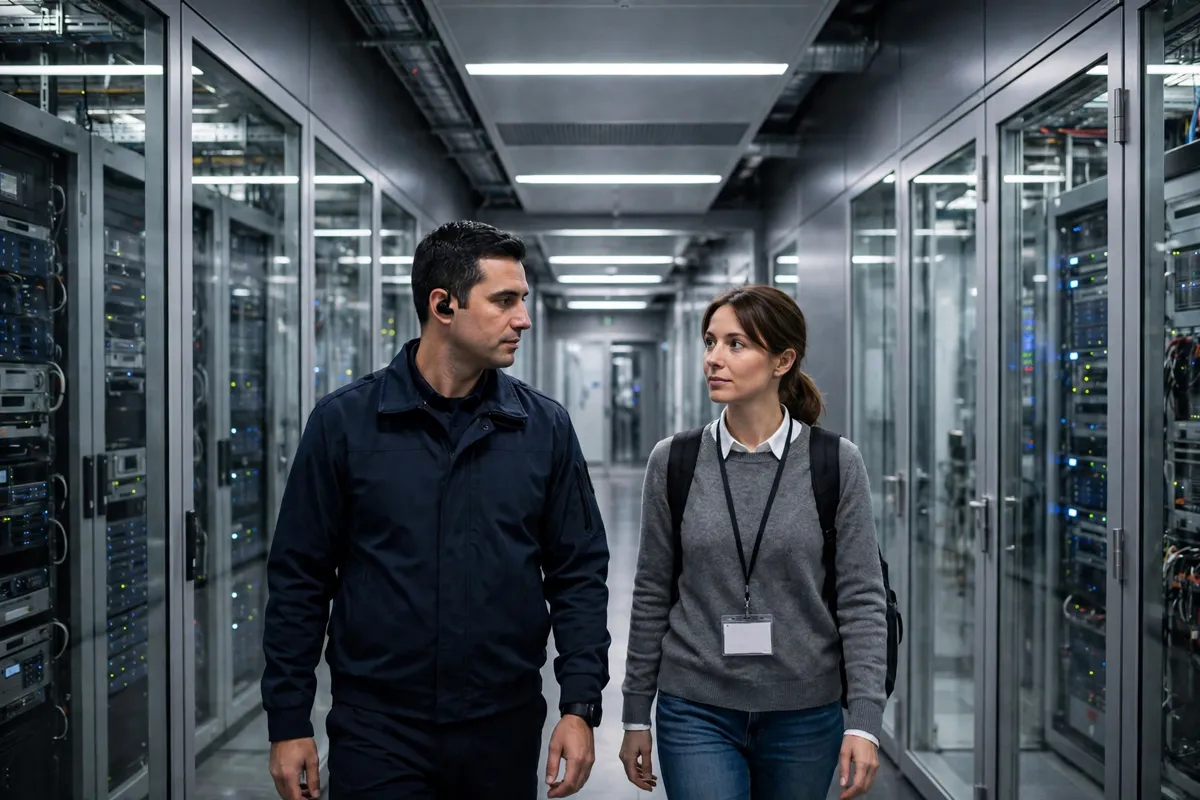
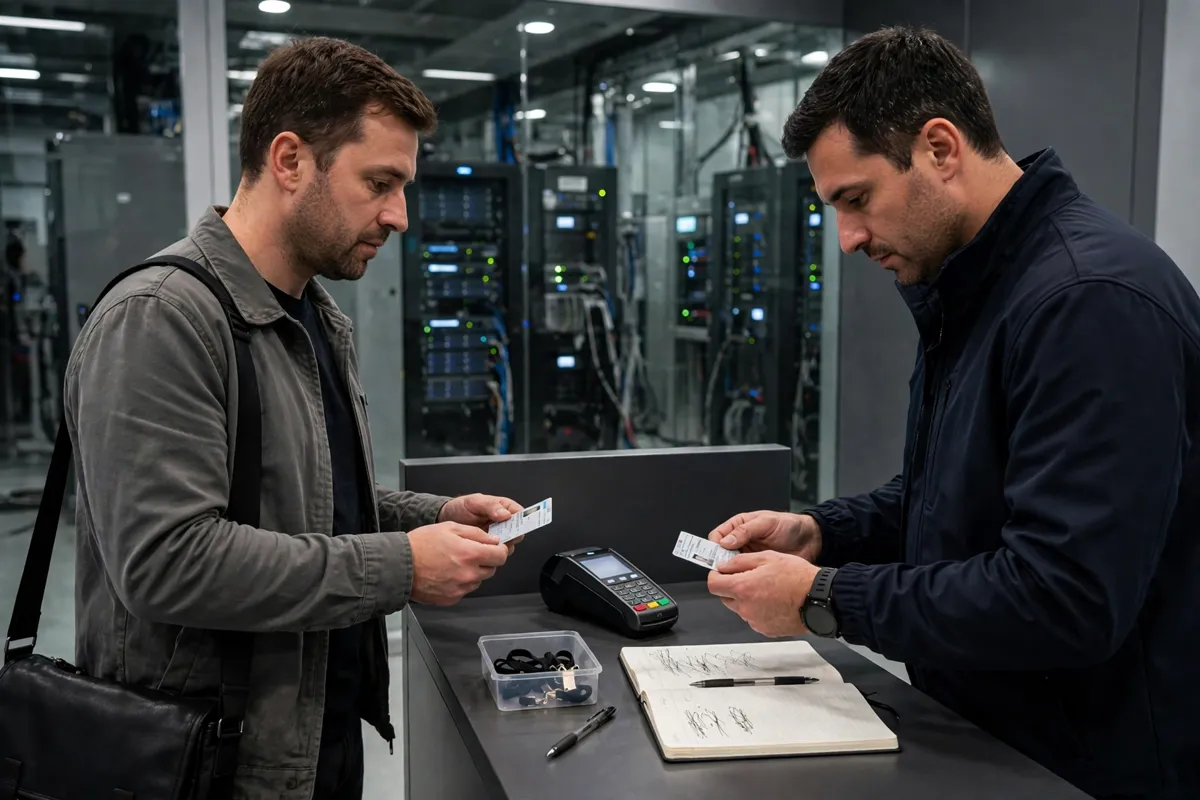
Visitors do not move through a data centre alone. Every visitor is signed in, issued a visitor pass, and escorted by an authorised staff member or officer for the whole visit. The escort stays with the visitor from entry to exit, and the visitor’s pass is returned at the end.
Escorting serves two purposes. It keeps the visitor safe — data centres have hazards, from heavy equipment to high-noise areas, and an unescorted visitor can walk into trouble. And it keeps the facility safe — the escort sees what the visitor does, which rooms they enter, and whether they touch anything they should not. A visitor who needs to use a phone in a no-phone area gets told on the spot, not found out later.
Contractors work under the same rule. A contractor who arrives to service one rack works on that rack, escorted, and leaves when the job is done. They do not wander the halls, and they do not borrow access to areas outside their job. Escort is not about mistrust. It is about keeping a clear record of who was where, and making sure the visit stays inside its scope.
4. Audit-ready logs
Every access event is logged: who entered, which door, at what time, and whether the attempt succeeded. Mantrap entries, visitor sign-ins, escort handovers and alarm events all feed into the same record. The logs are kept so the site team can reconstruct any incident after the fact.
Good logs answer simple questions fast. Who was in Hall 2 on Tuesday night? Which doors did the contractor open? Who held the door for whom? If the logs cannot answer those questions, the access control system is not doing its full job.
The people behind the system
Technology does part of the job, but people do the rest. Security officers staff the reception and the access control points, sign visitors in, check identification, issue passes, and escort visitors through the facility. They watch the camera feeds, respond to alarms, and walk the halls on patrol.
Officers also handle the moments the system cannot. A delivery driver arrives with no booking. A contractor’s card stops working. A door alarm sounds and nobody is in sight. Each of these needs a person who knows the procedure, stays calm, and logs what happened.
Patrols add another layer. Officers walk the halls and check that doors are shut, that no one is working alone in a restricted area, and that nothing looks out of place. Patrols are logged at scheduled stops along the route, so the site team can see the coverage. A patrol that finds a propped-open door or an unescorted visitor has done exactly what it is for.
A checklist for data centre operators
Before you review your access control, confirm:
- Factors — every secure door needs more than one factor to open.
- Mantrap — single-person entry enforced, tailgating not possible.
- Visitors — signed in, badged, escorted for the whole visit, signed out.
- Access lists — current, time-limited, and cleaned up when people leave.
- Logs — complete, reviewed regularly, able to answer who went where.
- People — officers at the access points, patrols on schedule, alarms answered.
How JM Security Group can help
JM Security Group provides Data Center Security in Melbourne: officers who run access control points, sign visitors in, escort them through the facility, patrol the halls and keep the logs audit-ready. If your facility needs cover, describe the site, the access points and the hours, and ask for a plan built around your doors, your visitors and your reporting needs. See Data Center Security for the service detail, Security Guard Services for general guard cover, and All Services for the full list. To start, use the quote form, call 03 9716 1160, or email operations@jmsecuritygroup.com.au. Standard bookings are scheduled within 48 hours of confirming the contract, and for emergency call-outs the aim is to respond within 2 hours. JM Security Group operates under Victorian security licence VIC Z70-400-80S.
FAQ
How is access controlled in a data centre?
Through layers: multi-factor access control at the door, a mantrap that lets one person through at a time, escorted visitors, and audit-ready logs that record who went where and when.
What is a mantrap in data centre security?
An interlocking two-door access chamber that enforces single-person entry. The first door closes and locks before the second opens, so nobody can slip through behind an authorised person.
Do visitors need an escort in a data centre?
Yes. Every visitor is signed in, issued a visitor pass, and escorted for the whole visit, with the pass returned at the end.
Why do data centres keep access logs?
To record who entered, which door, at what time, and whether the attempt succeeded — so the site team can reconstruct any incident and show clients that access is controlled.